
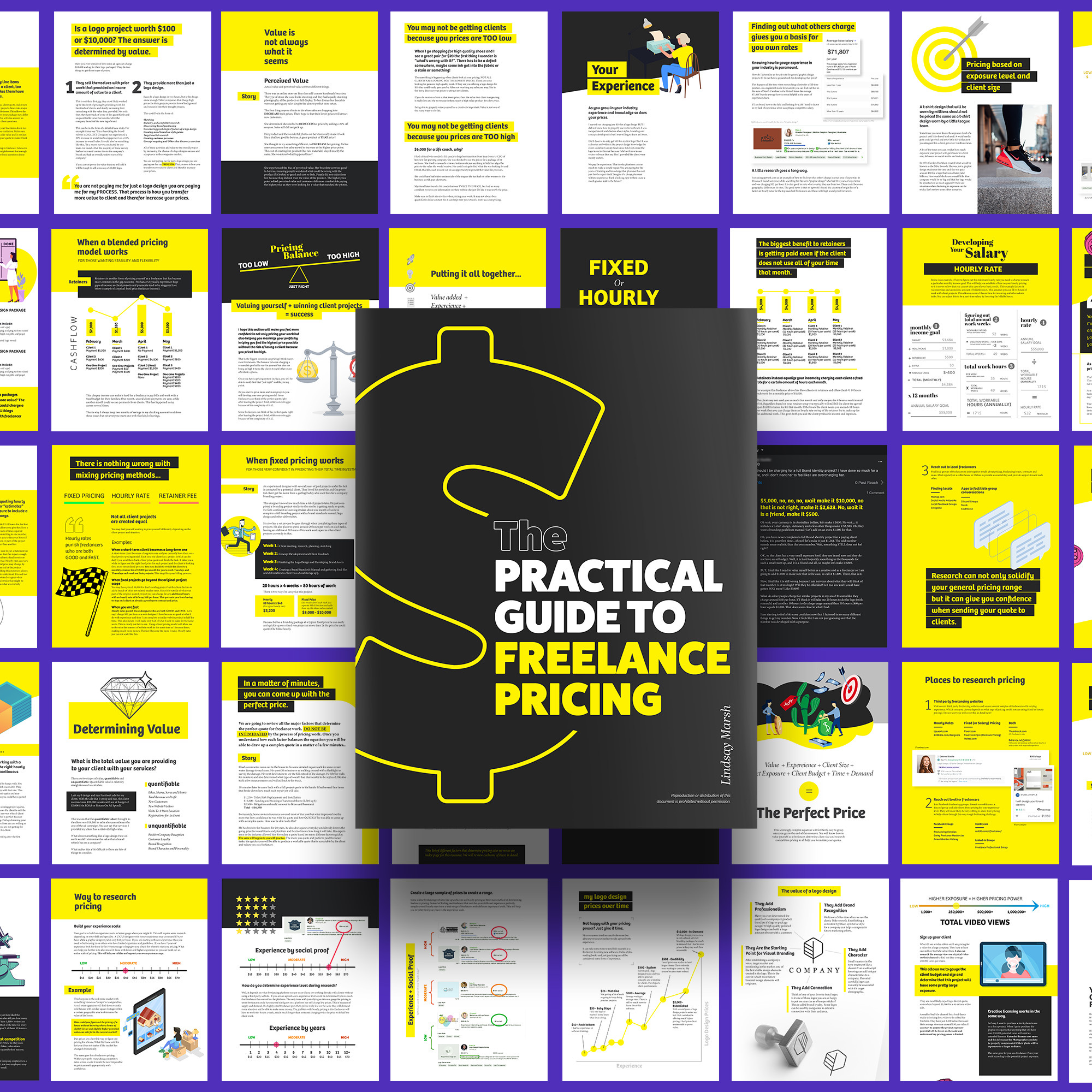
Setting the right price for your freelance work is one of the most important — and challenging — parts of building a successful career. Charge too little, and you’ll overwork for unsustainable income. Charge too much without justification, and you might struggle to land clients.
This guide will help you understand how to price your freelance services effectively and confidently, even if you’re just starting.
Why Pricing Matters in Freelance Work
Pricing isn’t just about money. It directly impacts your brand perception, workload, client relationships, and career growth.
Here’s why getting it right is critical:
- Perceived value: Clients often equate price with quality.
- Sustainability: Fair pricing ensures you can keep freelancing long-term.
- Filtering clients: A clear pricing strategy attracts serious clients and repels lowballers.
Understand the Different Pricing Models
There are three main ways freelancers charge for their work:
1. Hourly Rate
You charge a set amount for each hour worked.
Pros:
- Easy to calculate and track
- Ideal for ongoing or flexible projects
Cons:
- Limits your income by time
- Requires detailed time tracking
- Clients may micromanage hours
2. Per Project (Fixed Price)
You charge a flat fee for an entire project, regardless of how long it takes.
Pros:
- Clients love knowing the total cost upfront
- Rewards efficiency and skill
- Encourages planning and structure
Cons:
- Difficult to estimate for new freelancers
- Scope creep (when clients ask for extra work) can affect profits
3. Retainer
Clients pay a recurring fee (weekly/monthly) for a set of services.
Pros:
- Stable income
- Builds long-term relationships
- Ideal for content creation, design, consulting
Cons:
- Less flexibility
- Requires trust and consistent delivery
Factors to Consider When Setting Your Price
1. Your Skill Level
Are you a beginner, intermediate, or expert in your niche? More experience usually justifies higher rates. That said, even beginners deserve to be paid fairly.
2. Industry Standards
Research the average rates in your industry and region. Use sites like:
- Glassdoor
- Payscale
- Upwork Rate Explorer
- Freelance communities
3. Project Complexity
Simple tasks (e.g., proofreading) often cost less than complex ones (e.g., SEO strategy or app development). Estimate the hours and effort involved before quoting.
4. Client Budget
Ask for the client’s budget before sending your quote. This helps avoid wasted time and shows you’re serious about alignment.
5. Time Involvement
Does the job require meetings, revisions, or urgent deadlines? Add value to these aspects when pricing.
6. Your Expenses and Income Goals
Freelancers must account for:
- Software subscriptions
- Internet and electricity bills
- Health insurance (if self-employed)
- Taxes
- Equipment
Use your financial needs to calculate a minimum viable rate.
7. Currency and Market Differences
If working with international clients, consider exchange rates and market expectations. A $500 project in the U.S. may be priced differently in Latin America or Asia.
How to Calculate Your Freelance Rate (Step-by-Step)
Here’s a simple method to help you find your hourly rate:
- Define your target monthly income
Example: $3,000 - Add monthly expenses and taxes
Example: $1,000 - Calculate your total hours available per month
Example: 80 billable hours (not 160, because not all time is billable) - Use the formula:
(Monthly income + Expenses) ÷ Billable hours = Hourly RateIn this example:(3000 + 1000) ÷ 80 = $50/hour
Adjust the rate based on market demand, competition, and client value.
Should You Display Prices on Your Website?
It depends on your strategy.
- Yes: If you want to filter clients and save time.
- No: If you prefer custom pricing based on each project.
Some freelancers use pricing tiers (Basic, Standard, Premium) to give clients flexibility while setting clear boundaries.
How to Present Your Price to a Client
When quoting prices:
- Be confident — don’t apologize for your rates.
- Break down what’s included.
- Offer package options when possible.
- Show past results or testimonials to justify value.
- Put everything in writing.
Example:
“For this content writing project, I offer two options:
- $300 for 3 blog posts (600 words each)
- $450 for 3 SEO-optimized blog posts with keyword research and meta descriptions.”
Common Pricing Mistakes to Avoid
- Charging based on emotion or doubt
- Underselling to ‘get the job’
- Not raising your prices as your skills grow
- Failing to set boundaries for revisions or scope
- Not tracking your time to evaluate profitability
When and How to Raise Your Rates
Raise your prices when:
- You’re consistently booked
- You’ve gained more experience or specialized skills
- You’ve improved your workflow
- You’ve proven ROI to clients
Announce the change in a professional and polite way. Most quality clients understand that rates increase with quality and demand.
Example:
“Starting July 1st, I’ll be updating my rates to reflect the growing value I provide to clients. I’m excited to continue delivering high-impact results.”
Final Thoughts: Price with Purpose, Not Panic
Freelancing gives you control over your income — but only if you take charge of your pricing. Avoid comparing yourself to others too much. Instead, build a pricing system based on your value, your goals, and your market.
Remember: the best clients aren’t looking for the cheapest freelancer — they’re looking for the most reliable and valuable one. Set your prices with confidence, and the right clients will follow.