
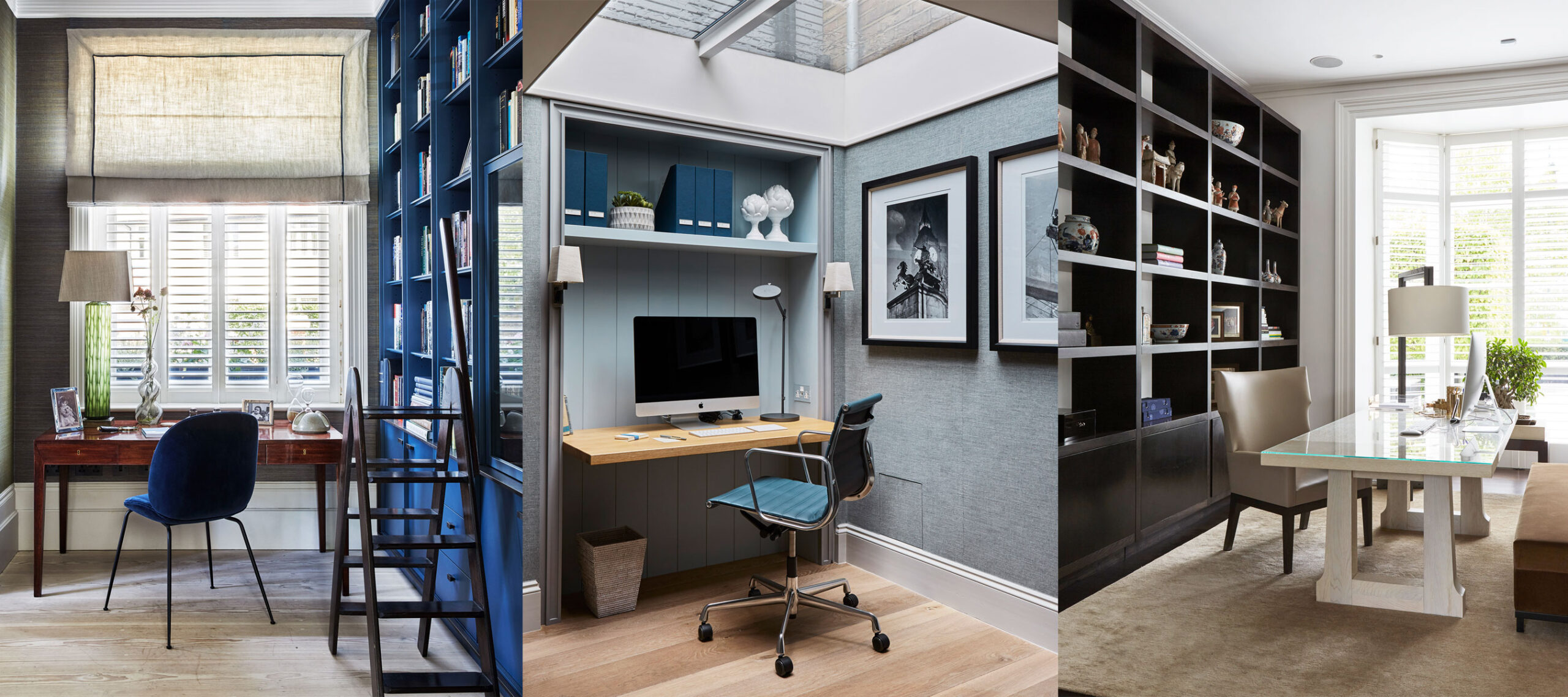
Freelancing gives you the freedom to work from anywhere — but turning “anywhere” into a productive, comfortable workspace takes intention.
A well-designed home office boosts focus, efficiency, creativity, and even your professional image on video calls. Whether you have an entire room or just a corner, this guide will show you how to set up the perfect home office for freelancing.
Why Your Workspace Matters
Your environment affects your energy and output. A dedicated office:
- Helps separate work from personal life
- Increases concentration and mental clarity
- Reduces stress and posture-related fatigue
- Creates a professional backdrop for meetings
- Signals to your brain: “It’s time to work”
1. Choose the Right Location
Ideally, your home office should be in a quiet, well-lit area — but not everyone has an extra room.
Great options:
- A spare bedroom
- A quiet corner of the living room
- A converted closet (aka “cloffice”)
- A loft or enclosed balcony
Wherever it is, make sure it’s dedicated to work — avoid mixing with your bed or kitchen table.
2. Invest in a Comfortable Desk and Chair
You’ll spend hours here — don’t compromise on ergonomics.
Desk:
- Large enough to fit your laptop, monitor, and notes
- Adjustable standing desks are ideal if budget allows
- Cable management helps keep it tidy
Chair:
- Lumbar support is essential
- Adjustable height, armrests, and tilt features
- Consider an ergonomic cushion or footrest
Bonus: A clean, organized surface improves mental clarity.
3. Set Up Proper Lighting
Lighting affects your mood and reduces eye strain.
- Use natural light if possible (place desk near a window)
- Add a desk lamp with adjustable brightness and warm tone
- Use ring lights or soft diffused lighting for video calls
- Avoid backlighting, which creates shadows on your face
4. Ensure Reliable Internet and Power Backup
Nothing kills productivity faster than dropped Zoom calls or slow uploads.
Checklist:
- Upgrade to a fast, stable internet plan
- Use a mesh Wi-Fi system if your workspace is far from the router
- Invest in a UPS (Uninterruptible Power Supply) if outages are common
- Keep a portable charger for phones or tablets
5. Organize Your Workspace
Clutter = distraction. Keep only what you need within arm’s reach.
Tools for organization:
- Drawer dividers
- Cable trays or clips
- Pen holders and folders
- Wall shelves or pegboards
Use vertical space to maximize small areas.
6. Personalize Your Setup
Make your office a place you enjoy spending time in.
Ideas:
- Plants for a calming, natural vibe
- Motivational prints or a vision board
- A candle or essential oil diffuser
- A whiteboard or corkboard for planning
The goal is to create an atmosphere of calm focus.
7. Add Technology That Supports Your Workflow
Depending on your freelance niche, invest in gear that improves performance.
Recommended tools:
- Noise-canceling headphones (for writers, editors, virtual assistants)
- External monitor for better multitasking
- Webcam and mic upgrade for clearer video/audio
- Keyboard/mouse combo that reduces wrist strain
- Adjustable laptop stand or monitor arm
8. Create a Video Call–Friendly Background
Clients and collaborators will see your space — make it look sharp.
Tips:
- Keep the wall behind you neutral and clean
- Add a plant, lamp, or bookshelf for warmth
- Avoid beds, messy shelves, or distracting items
- Use Zoom’s blur background if needed, but natural is better
9. Set Work-Life Boundaries
Having a dedicated space helps signal to family or housemates that you’re in “work mode.”
Ideas:
- Use a “Do Not Disturb” sign or light
- Close the door when working (if possible)
- Use noise machines or background music to block sounds
- Log off and physically leave your workspace after hours
10. Maintain Your Setup
A clean, functional workspace isn’t a one-time job.
- Tidy your desk at the end of each day
- Check cables and hardware weekly
- Replace broken tools quickly
- Rotate decor or plants to keep things fresh
Make your office a space that evolves with you.
Final Thoughts: Your Office, Your Power Zone
Your home office is more than just a place to work — it’s your creative and professional command center.
Whether you’re building websites, writing content, editing videos, or managing campaigns, your environment should support your best work.
You don’t need to spend a fortune. Just focus on comfort, clarity, and tools that match your needs. A well-designed home office turns your freelance dream into a sustainable reality.